 Orbit
Orbit
Orbit is on its way.
Your download should start by itself. If nothing happens, start it again — it's the same disk image either way.
Download again
Orbit.dmg · 61.0 MB · SHA-256 e1cac0b36db44983ba1ec900b8f49af8ff15737c03e735e6dca7b8a7cf01653e
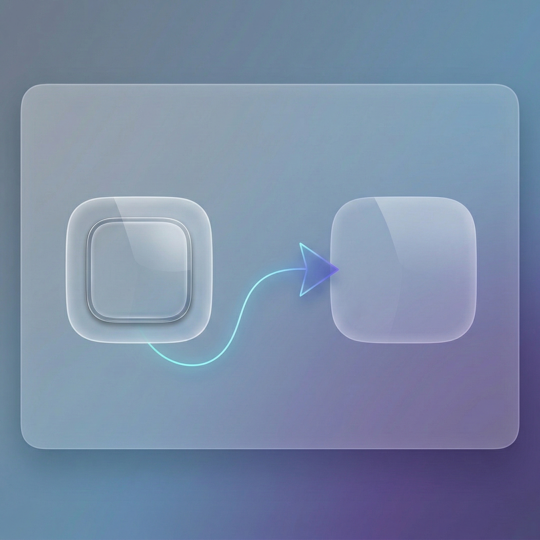
Three steps to launch
- Requires
- macOS 14 Sonoma or later
- Runs on
- Apple silicon and Intel
- Version
- 0.2.6 · Release notes
Mac App Store edition — coming soon